Compatible with: Windows 11, Windows 10, Windows 8.1, Windows 8 and Windows 7
Before downloading: Please review our Terms of Use and Privacy Policy.

Before installing any software, it helps to know what it does and what to expect. One Click Driver Soft provides clear product information, compatibility details, and access to its terms and privacy information.


Drivers sit between Windows and the hardware inside or connected to your PC. If a driver is missing, outdated, or incompatible, you may notice that a device is not working properly or that Windows is having trouble communicating with it.
One Click Driver Soft helps you check the driver status of your system and review available updates, so you don’t have to hunt through your devices and search for every driver separately.


Run a system scan to find drivers that may be outdated, missing, or need attention.

See which drivers have updates available and decide what you want to update.

Work with drivers for compatible printers, audio devices, network components, storage, and other hardware.

The interface is designed to keep the driver-checking process simple, even if you’re not a technical user.
One Click Driver Soft provides a convenient way to scan your Windows PC, review outdated or missing drivers, and manage available driver updates.

Manage available driver updates without searching for each one manually.

Keep compatible drivers current to support smooth communication between Windows and your hardware.

Find drivers that may be outdated, missing or incompatible.

Manage driver-related tasks from one straightforward application.
Compatible with: Windows 11, Windows 10, Windows 8.1, Windows 8 and Windows 7
Before downloading: Please review our Terms of Use and Privacy Policy.
Get Started in 3 Simple Steps

Download One Click Driver Soft and follow the installation instructions to get the software ready on your compatible Windows PC.

Run a scan to check your computer and identify drivers that may need attention.

Review the scan results and then upgrade to the full version of One Click Driver Soft to update your drivers.
Compatible with: Windows 11, Windows 10, Windows 8.1, Windows 8 and Windows 7
Before downloading: Please review our Terms of Use and Privacy Policy.
One Click Driver Soft supports several widely used versions of Windows, making it easier to manage drivers across compatible PCs.

Different devices rely on different drivers to communicate properly with Windows. One Click Driver Soft helps you manage drivers for a range of hardware categories from one place.
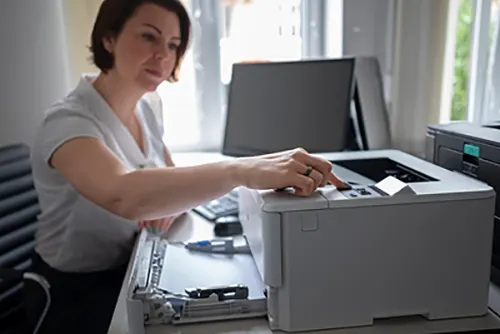
Manage drivers for compatible printers and multifunction devices.
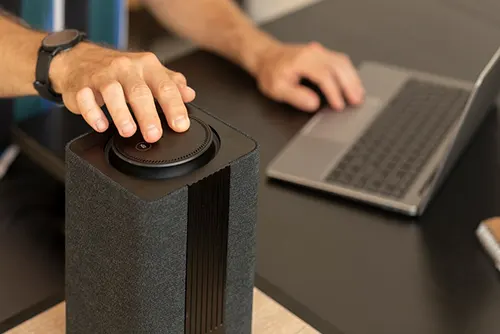
Keep audio-related drivers up to date for compatible sound hardware.
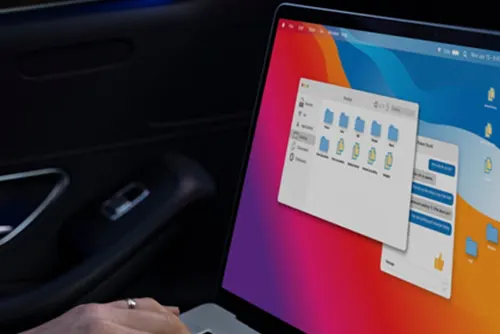
Manage drivers that support essential system components.
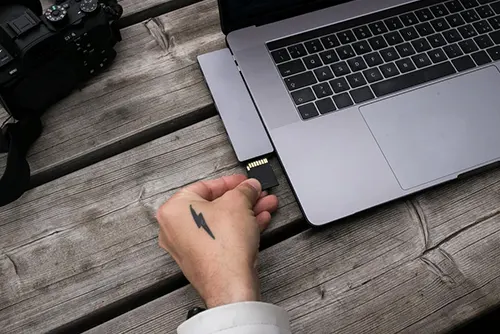
Help maintain compatibility with supported USB-connected devices.
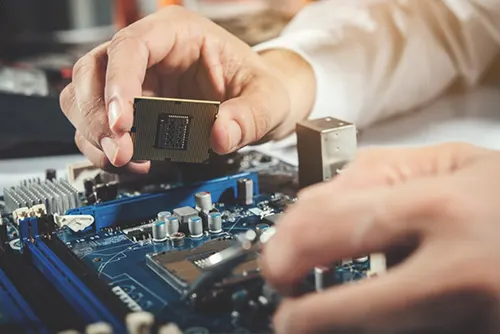
Manage drivers for components such as graphics, storage, network, and other compatible hardware.
Compatible with: Windows 11, Windows 10, Windows 8.1, Windows 8 and Windows 7
Before downloading: Please review our Terms of Use and Privacy Policy.
Want to try One Click Driver Soft first?
Start with the available trial version and explore the software before deciding whether a full plan is right for you.
| Features | Trial | Full Version |
|---|---|---|
| Install the software |  |
|
| Scan your system | |
|
| Identify drivers needing attention | |
|
| Review available updates | |
|
| Driver update functionality | As per trial limits | |
| Full product functionality | Limited | |
| Customer support | As per plan | As per plan |
Compatible with: Windows 11, Windows 10, Windows 8.1, Windows 8 and Windows 7
Before downloading: Please review our Terms of Use and Privacy Policy.


Compatible with: Windows 11, Windows 10, Windows 8.1, Windows 8 and Windows 7


A simple way to scan, review, and manage driver updates on your Windows PC.!
OneClickDriverSoft is a brand owned by 
Registered Address: Paniyali, Kathgharia, Haldwani,
Uttarakhand - 263139, India.
© 2026 One Click Driver Soft. All Rights Reserved


